 RoomTuning
Tune your room's sound system one step at a time. For the volunteer, the part-time tech, and anyone who can't justify spending big bucks on pro measurement software.
Mac · BetaRequest a beta invite
The beta runs through Apple's TestFlight. Email to get an invite.
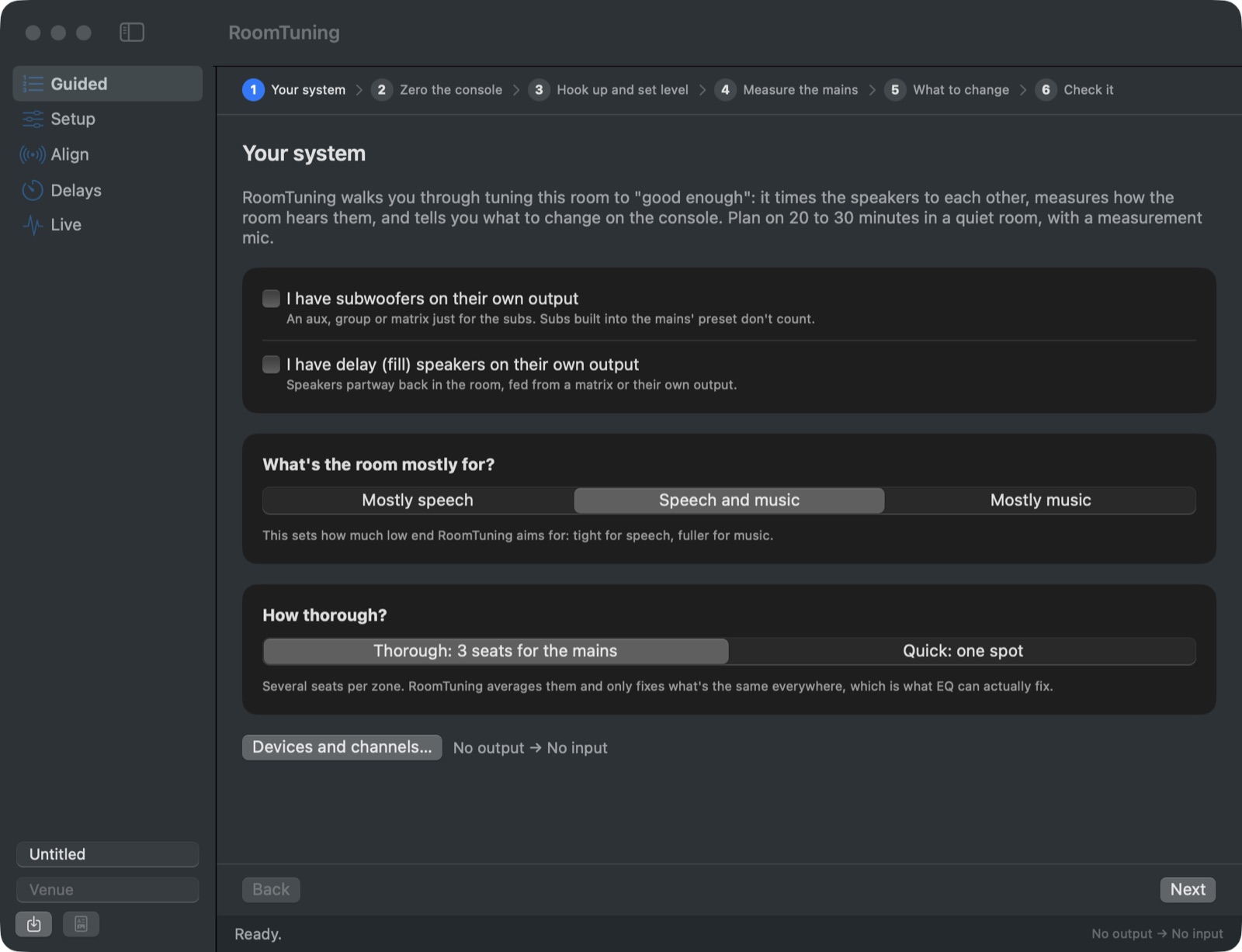
The Guided page asks about your system first, then walks you through every step.
How it works
Zero and hook up
A checklist gets the console to a clean start, then you connect your interface, a measurement mic and a copy of the main mix.
Time the speakers
RoomTuning measures your subs and delay speakers against the mains and tells you the delay and polarity to enter.
Measure the seats
Put the mic where it asks. It averages the seats and only fixes what's the same everywhere, which is what EQ can actually fix.
Make a few moves
A short list of broad EQ changes in console words, then a check measurement to confirm it's good enough.
Careful with your PA
Starts quiet
Test signals fade in, and the steps have you set the level from the bottom up, at about the loudness of a raised voice.
Cuts, not boosts
Boosts are small and capped. A speaker that reads far too quiet gets "check that it's working", never "turn it up".
Spots misplaced filters
If the low end looks cut off by a filter in the wrong place, or the delays look wired backwards, it tells you where to look.
What you need
- A Mac running macOS 14 or later (Apple silicon or Intel).
- An audio interface with at least two inputs and one output: USB, Thunderbolt or Dante Virtual Soundcard.
- A measurement mic, with phantom power from the interface.
- A spare console output for a copy of the main mix (recommended).